Their price
The price and MRP of each competitor, beside your own.
Map competitor ASINs to your products, and Competitor Monitoring reads their listings next to yours: price, stock and who holds the Buy Box.
Competitor Monitoring
Map competitor ASINs to your products and track their price, stock and Buy Box winner next to yours.
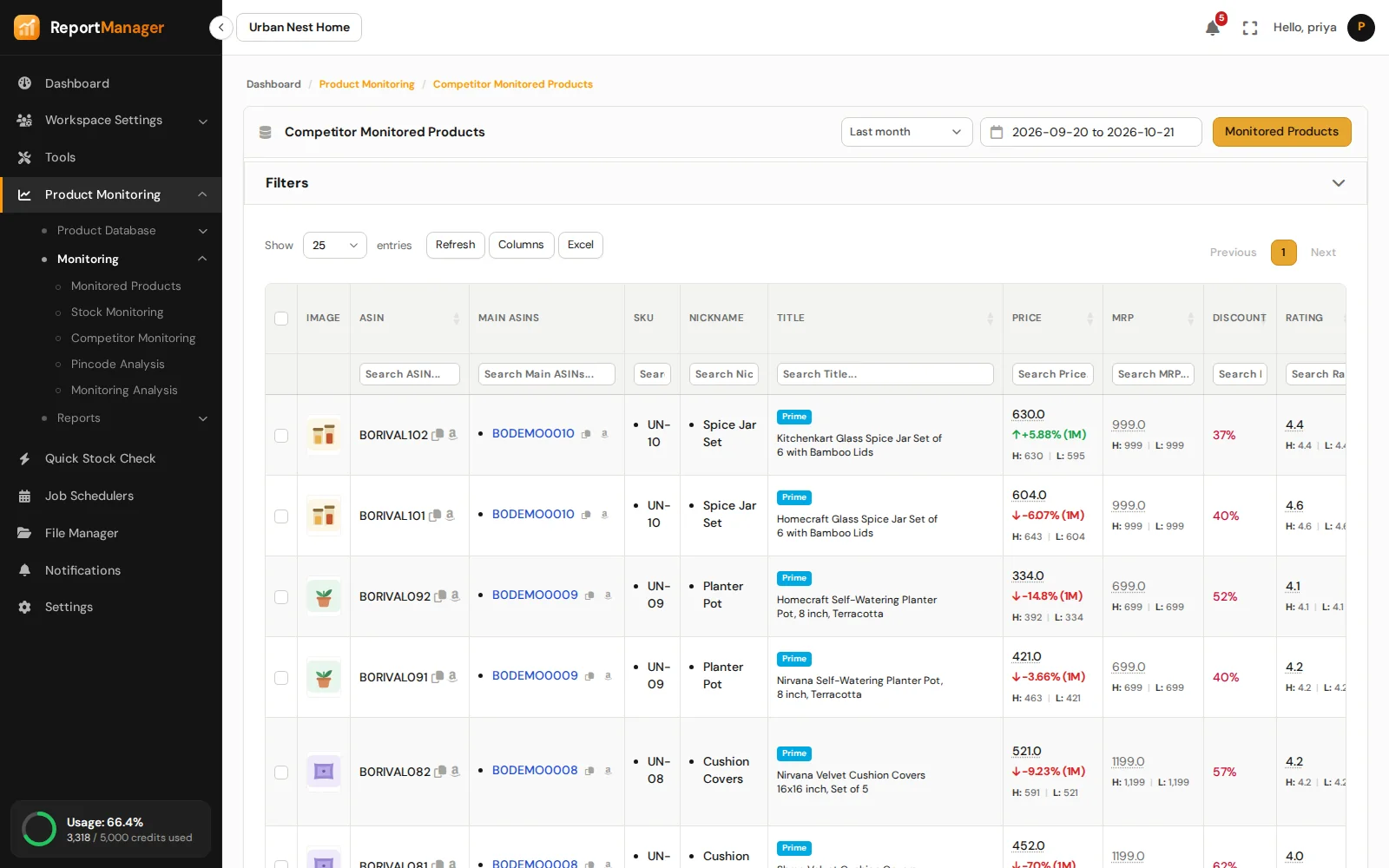
The price and MRP of each competitor, beside your own.
When a competitor goes out of stock, and when it comes back.
Own or competitor, judged by the seller name you give the run.
How their rating and their review count move.
Their rank in each category.
Their delivery promise at your pincodes, in Pincode Monitoring.
How it works
Add competitor ASINs to a product by hand, or in the Excel upload.
For your products or a group, now or on a schedule. A stock-only run is lighter when price and stock are all you need.
Competitor Monitored Products lists every competitor listing with its changes.
Good to know
Product Monitoring
Know the state of every listing.
Delivery promise, pincode by pincode.
Check any ASIN on the spot.
The catalogue at a glance.
Where you win and where you lose.
Every run leaves a report.
Get started
Create an account, add your ASINs and schedule the first run.