Product Database
Your ASINs with SKU, nickname, competitors and pincodes. Add them by hand or upload an Excel sheet.
100 free credits with a new account
Listing monitoring, delivery intelligence and alerts that protect your sales.
No card needed. 100 credits are waiting in your workspace.
What ReportManager tracks for you
Thirteen signals on every listing you watch, yours and your competitors'. Point at one to see what it is worth knowing.
Product Monitoring
Seven ways to read your catalogue, from a whole-store stock run to the delivery promise at one pincode.
Know the state of every listing.
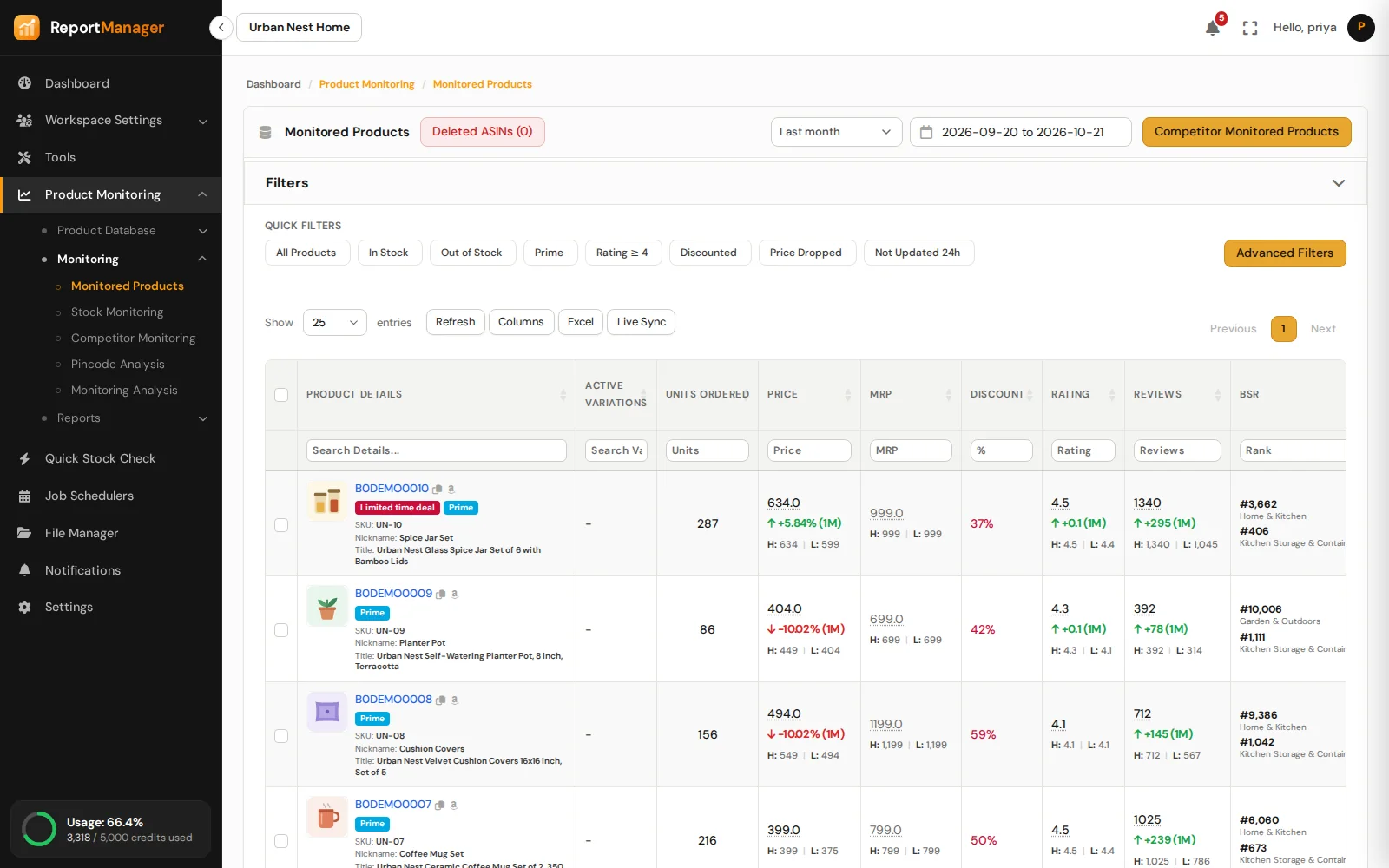
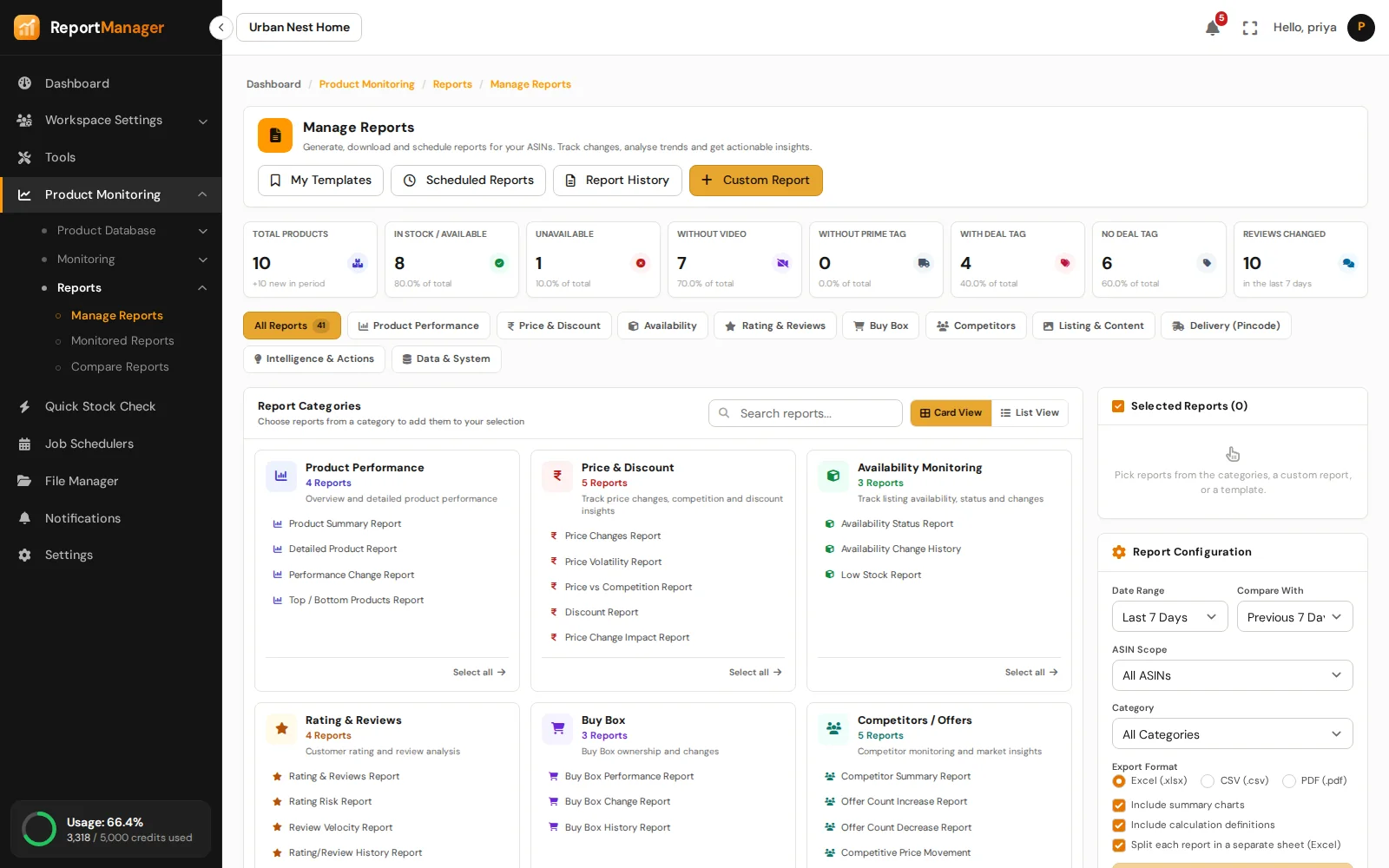
Price, MRP, stock, deals, rating, reviews, Best Sellers Rank and Buy Box for your whole catalogue, read on the schedule you set and compared with the run before.
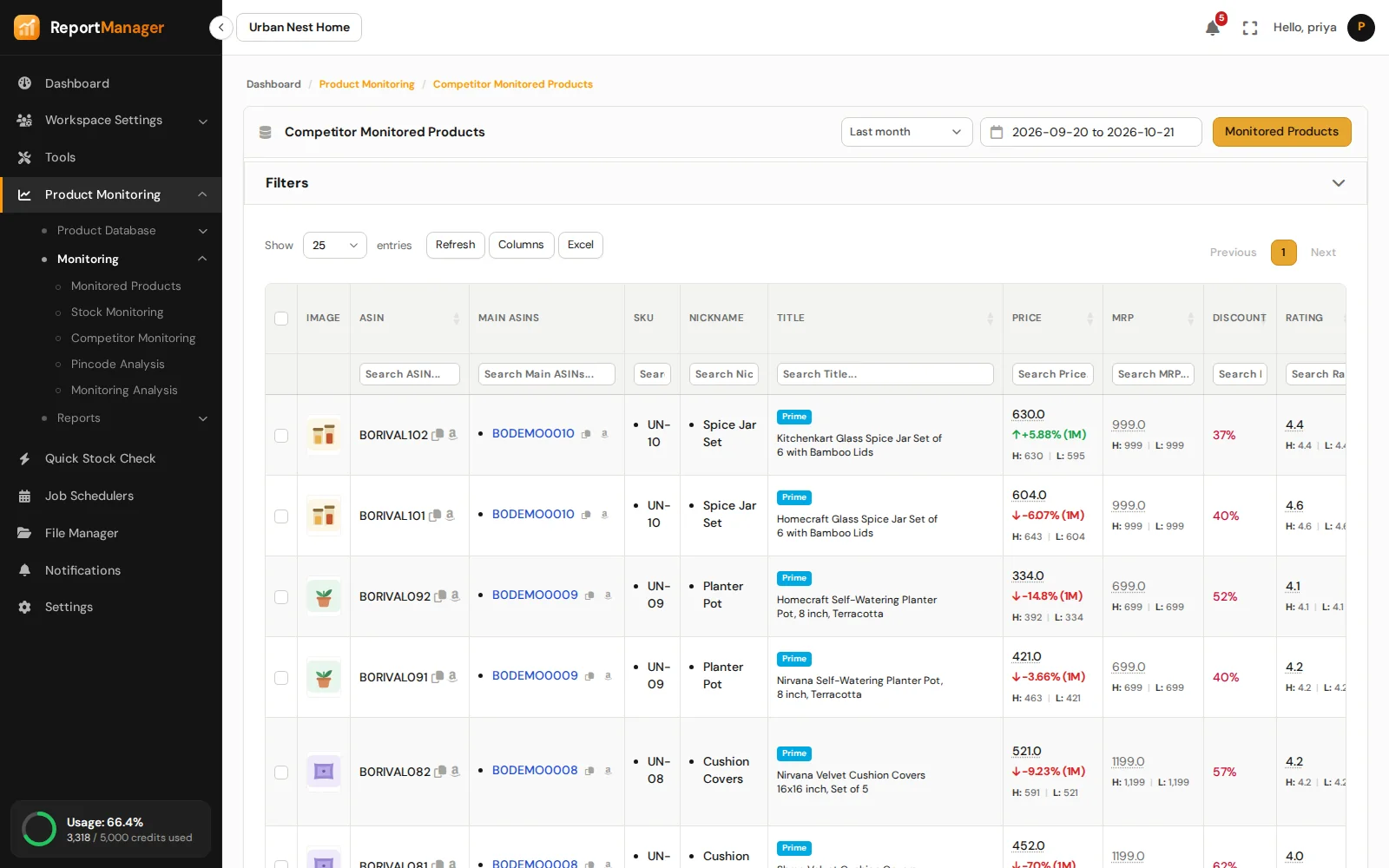
Watch the listings you compete with.
Map competitor ASINs to your products and track their price, stock and Buy Box winner next to yours.
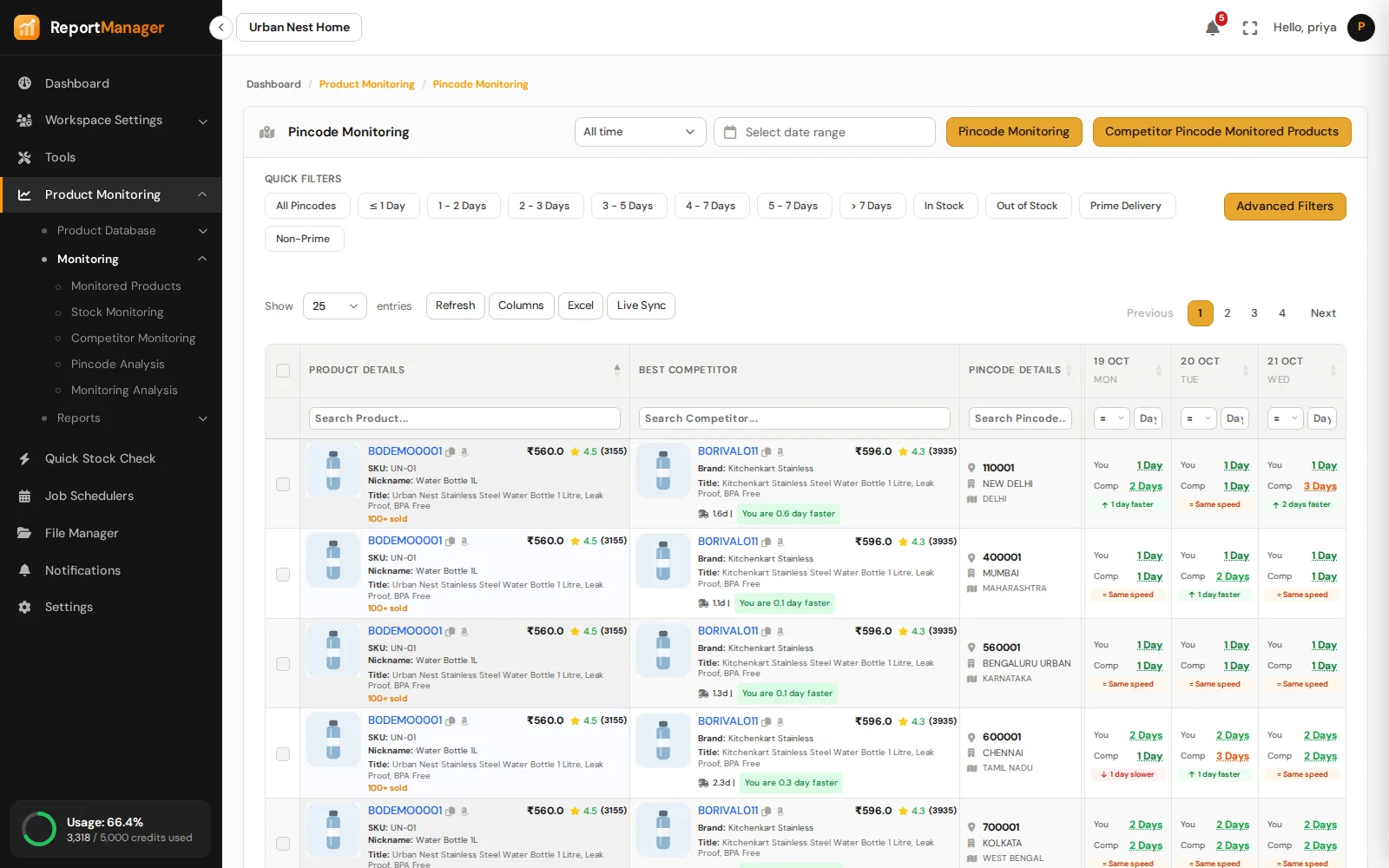
Delivery promise, pincode by pincode.
See how many days Amazon promises at each pincode, where a product cannot be delivered, and how competitors compare there.
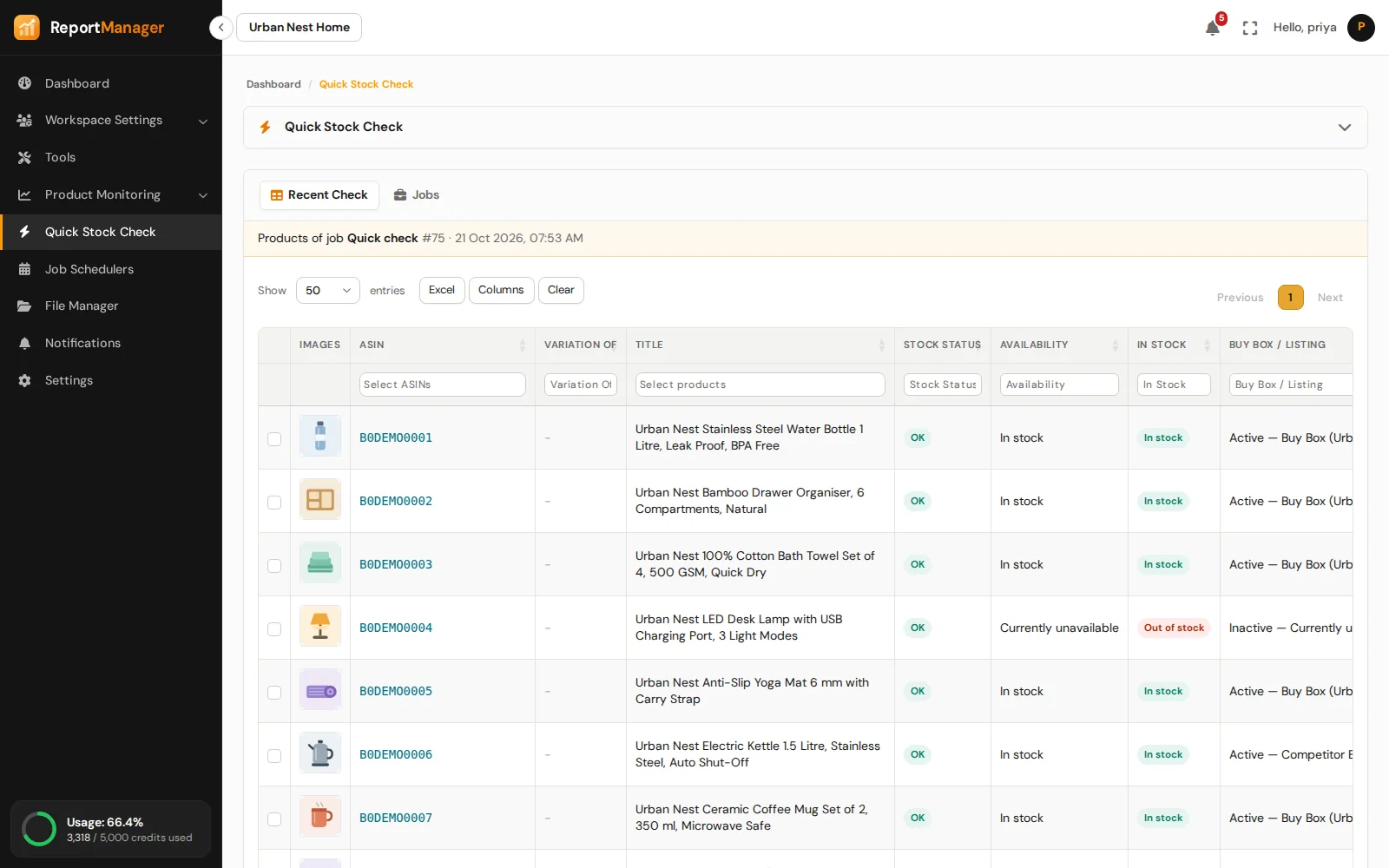
Check any ASIN on the spot.
Type in ASINs and read their stock, price and details right away. No schedule, no setup.
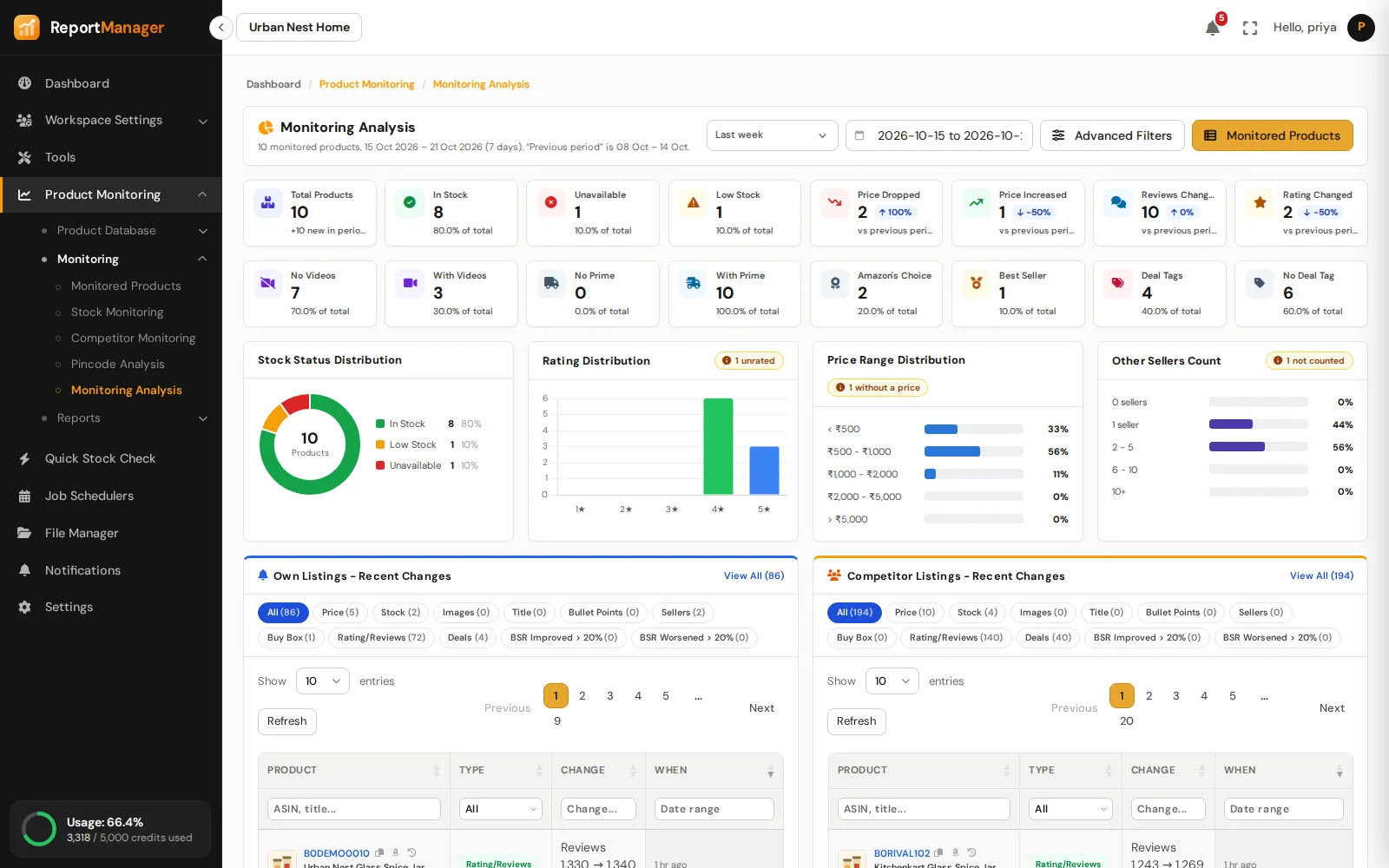
The catalogue at a glance.
Stock health, price, rating and review movement, deals and badges, and the latest changes on your own and competitor listings.
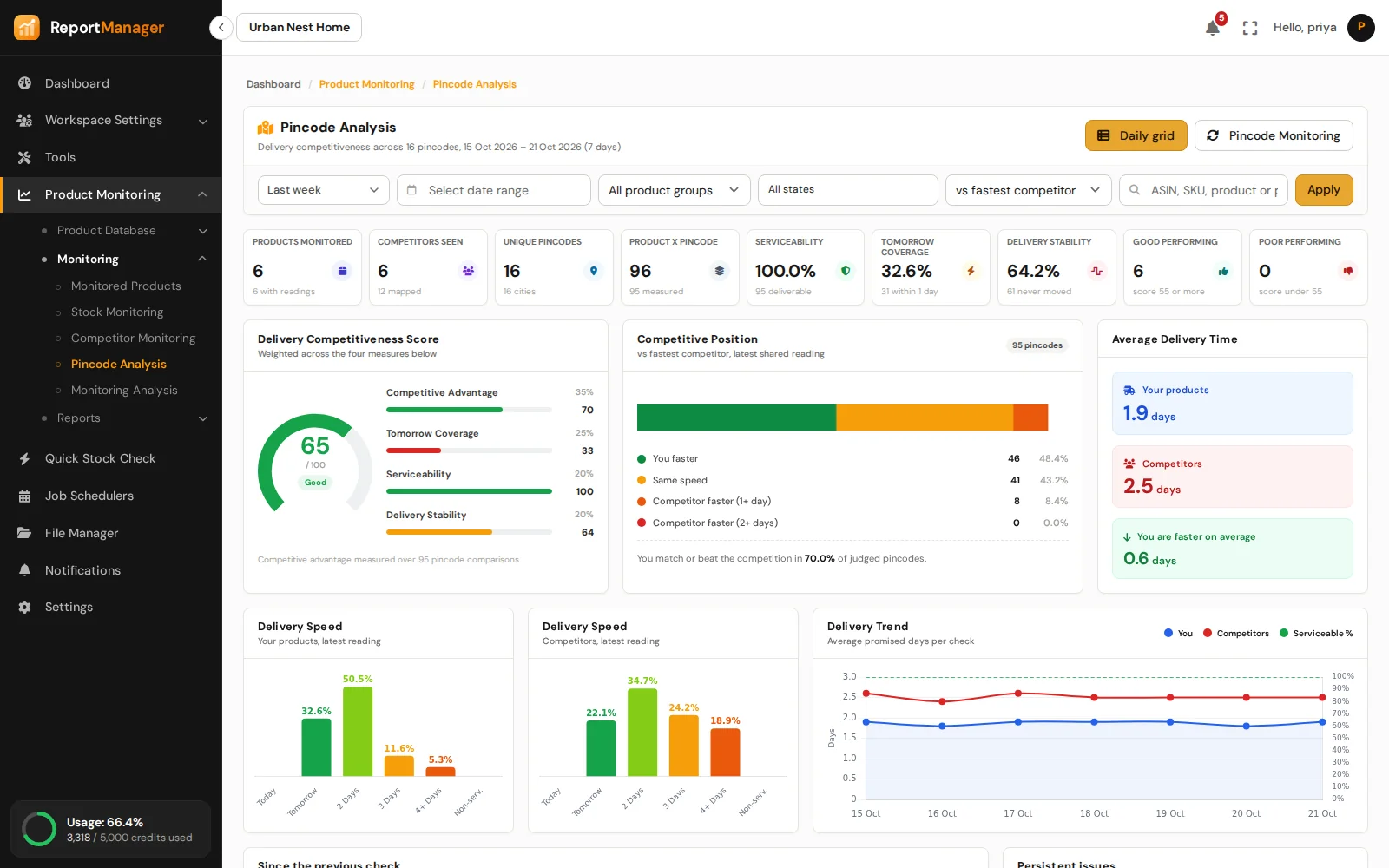
Where you win and where you lose.
A delivery score, an India map of every pincode, region insights and the competitors beating you most often.
Every run leaves a report.
See what changed since the last run, compare any two reports and export them to Excel.
Dashboard
The dashboard is where sign-in lands: what ran, what failed and what it used, for the date range you choose.
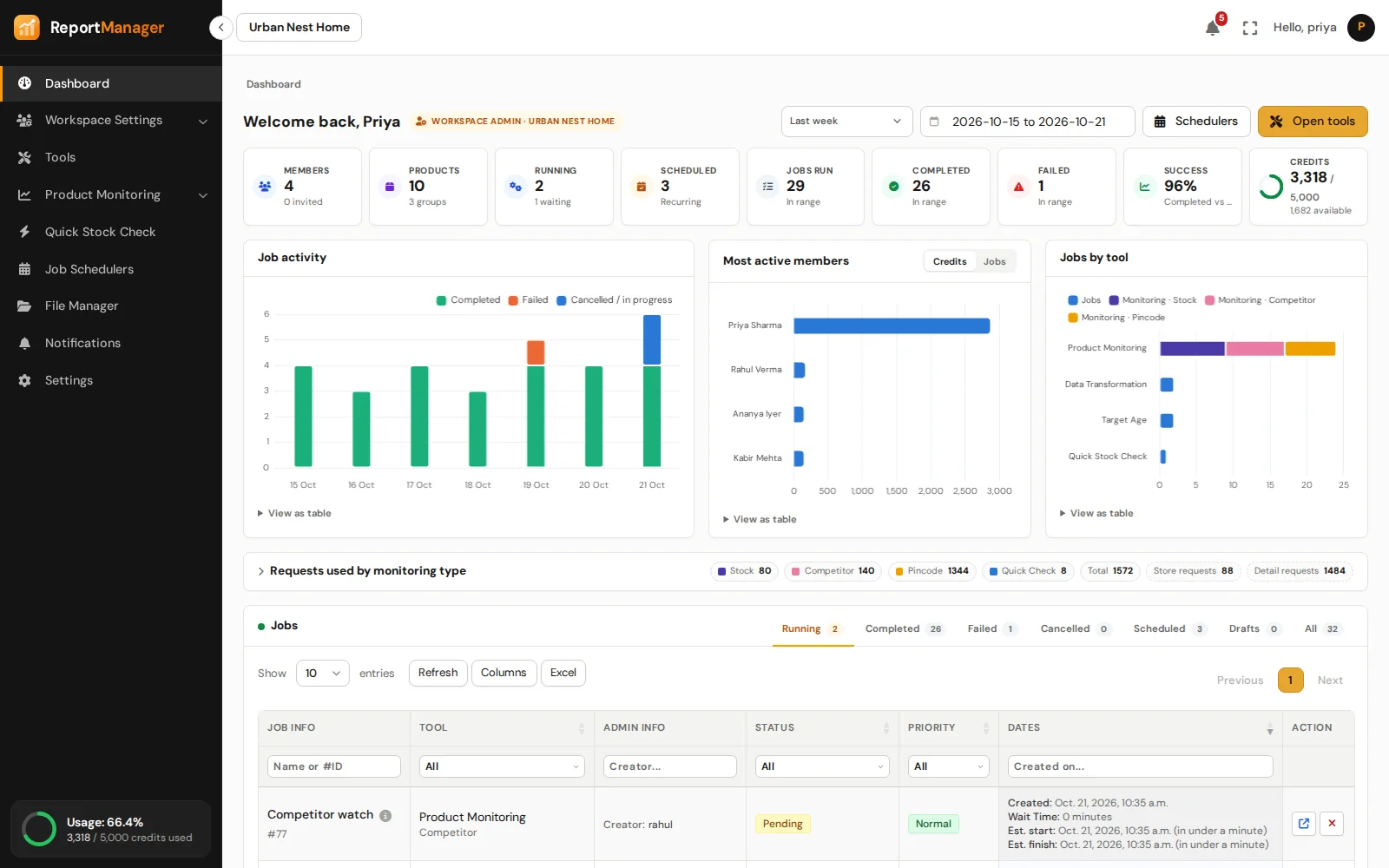
Monitored Products lists every ASIN with its latest reading and what changed since the one before.
One row per product and pincode, one column per day, with your best competitor on the same line.
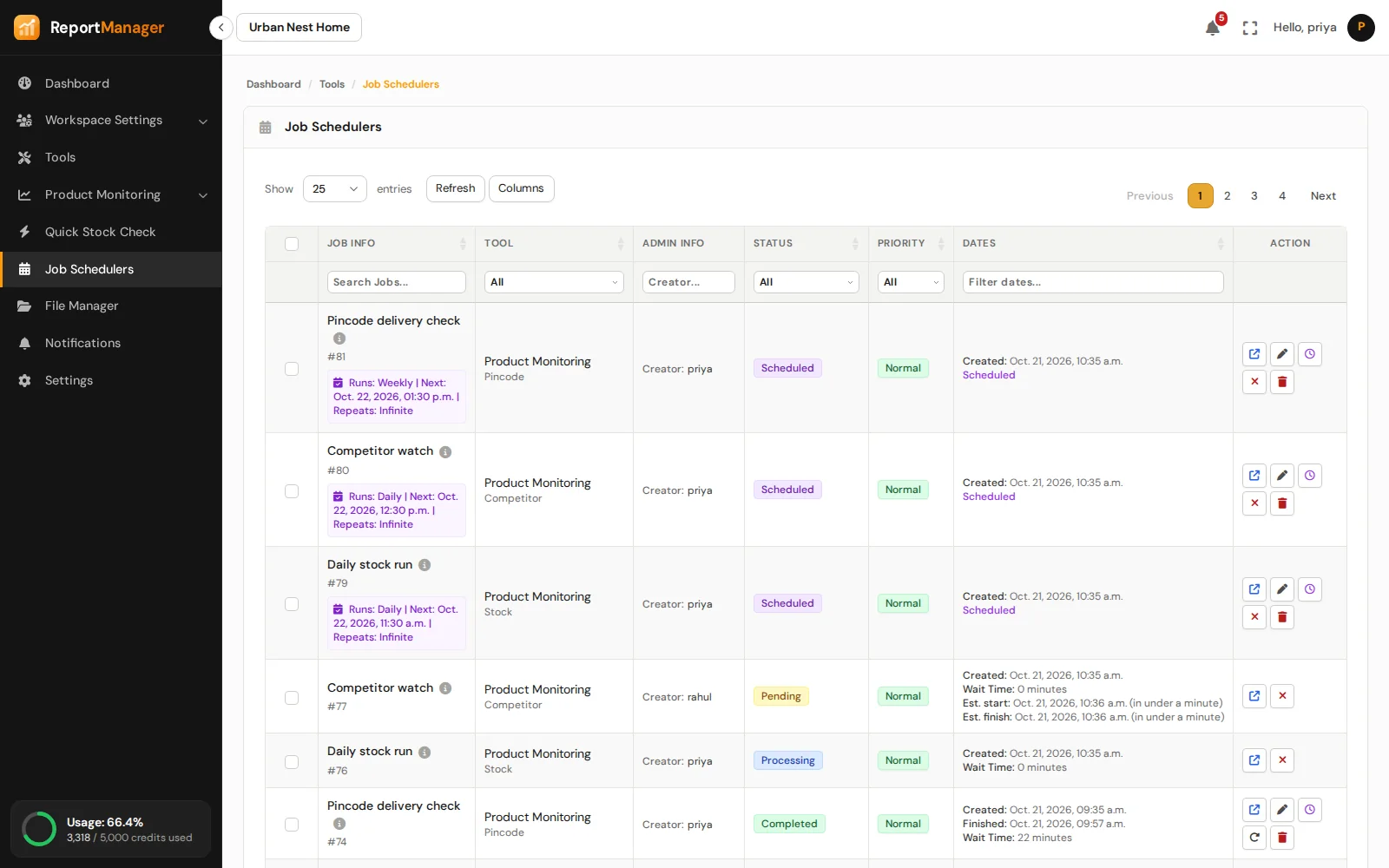
Job Schedulers shows what is running, what is waiting and what each run produced, across every tool.
Notifications
Get an email or a WhatsApp message when a job finishes or a number you watch moves, so nobody has to keep the dashboard open.
Platform
Everything around monitoring that keeps an agency or a brand team organised.
Your ASINs with SKU, nickname, competitors and pincodes. Add them by hand or upload an Excel sheet.
Group products once, then run jobs and read reports group by group.
A page per ASIN with price, rank, rating and delivery charts, and every reading behind them.
Run once or on repeat: hourly, daily, weekly, monthly or by cron. Priorities, estimated finish times, cancel and retry.
Jobs run, success rate, job activity and jobs by tool for the date range you pick, with a view for admins and one for members.
Build a filter once, save it, pin it to the quick row and share it with your workspace.
Upload, organise, share, zip and unzip files. Every tool stores its output here.
A workspace for each brand or client, with roles that decide who can see and run what.
Top up a workspace, see what each job and member used, and know the cost of a job before it starts.
How it works
Upload an Excel sheet of ASINs or add them by hand. Attach competitor ASINs and the pincodes you care about, and group products the way you sell them.
Pick stock, competitor or pincode monitoring, choose the products, and run it now or on a schedule. You see the requests and credits before it starts.
Open the report, the analysis pages or the grid. Filter to what matters, share the filter with your team and export to Excel.
Get started
Enough for 1000 Detail level requests. Create an account, add your ASINs and schedule the first run.